Associating a user with a functional role


Associating a user with a functional role |
|
|
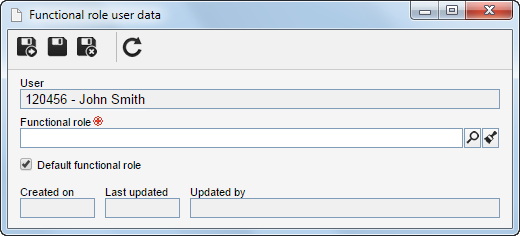
To associate a user with a functional role, locate and select the desired user in the second quadrant list of records and click on the
On the association screen, the following fields are available:
After filling out the required fields, save the record. This operation may also be performed through the "User" tab on the functional role data screen. |
||||||||
 button on the toolbar. To edit an association, select the desired user in the second quadrant list of records and click on the
  button.